
AakarUI: The Ultimate Figma Design System
AakarUI is a production-ready Figma UI kit and design system 7,000+ components with Auto Layout, variants, and Variables (design tokens) to ship consistent SaaS dashboards, web apps, and mobile UI faster.

7000+
Components & Variants

560+
Variables & Global Styles

4000+
Icons

800+
Media Assets
Features of Aakar UI
AakarUI combines a scalable component library, design tokens, icons, and assets, so you can design world-class product UI without rebuilding the basics every time
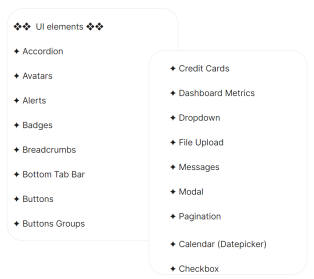
Component Library
AakarUI’s Component Library offers pre-built, reusable elements tailored for every design need. Quickly drag and drop these components to build consistent, polished designs faster, without starting from scratch.
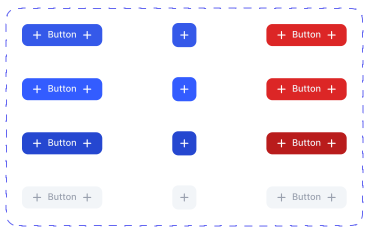
Variants
Variants in AakarUI make designing super easy. Switch between multiple styles or states effortlessly. It’s perfect for creating consistent, flexible, and visually stunning designs in Figma.
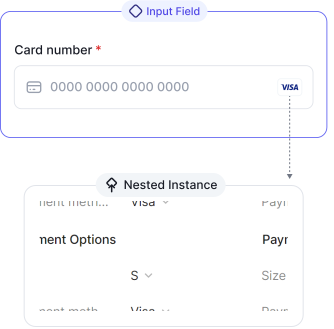
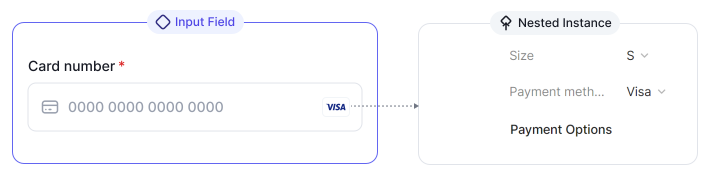
Nested Instances
Nested Instances in Aakar UI make it super easy to tweak and customize elements inside complex components, saving time and keeping designs consistent across your project.
Media Assets Library
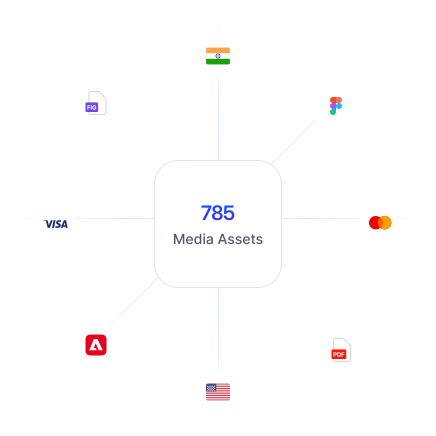
Access a rich collection of brand logos, flags, payment icons, and more. Perfect for adding ready-to-use assets to your designs and saving loads of time.
250+ Brand Logos
200+ Country Flags
20+ Payment Gateways
37 File Type Icons
World Map, Clientele Marquee, Mock-ups and more
Styles
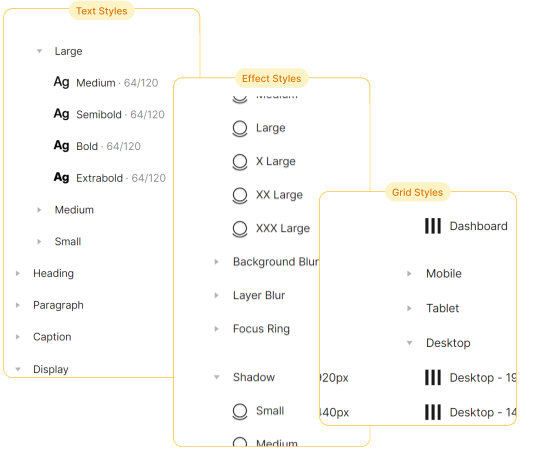
Effortlessly maintain consistency with pre-defined text, effects, grids, and image styles. Customizing your designs has never been easier or more seamless.
100+ Text Styles
30 Effects Styles
8 Layout Grid Styles
50+ Avatar Image Styles
Variables
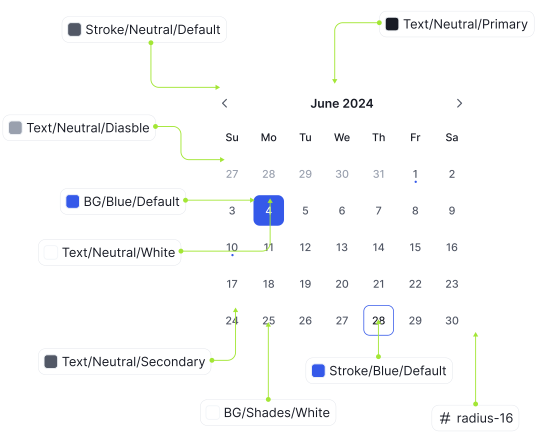
Simplify your design process with reusable variables for colors, spacing, and sizes. Adjust components quickly while keeping everything cohesive and dynamic.
300+ Variables including colors & number variables
Color variables for Backgrounds, text, icons and stroke
Number variables for spacing, radius, icon & component size
Icons
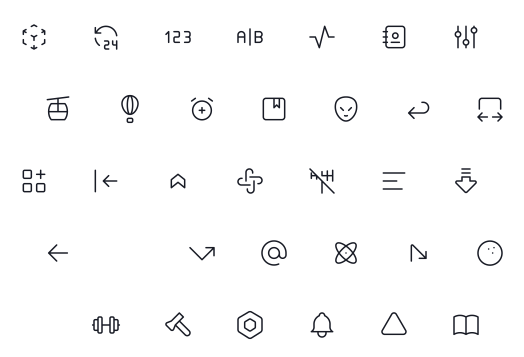
Choose from a massive variety of icons across categories with outline and filled options. Your design toolkit just got a lot more versatile!
4000+ Icons
43 Icon Categories
Outline and Filled Icons
Light & Dark Mode
Switch between light and dark modes with one click. Applied across all components, it’s a game-changer for adaptive designs.
One click mode change
Applied on each and every component
Light
Dark


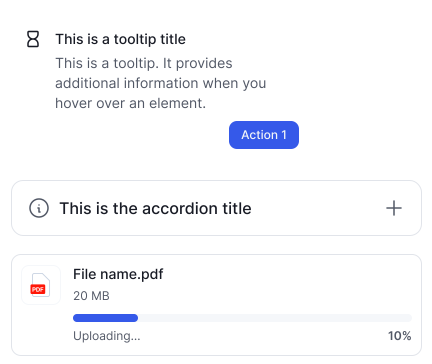
Uplift your designs leveraging Figma’s best features
Create stunning, consistent, and user-friendly designs effortlessly.
Variables
In AakarUI, variables are pre-defined for colors, spacing, and sizes, making it simple to switch themes, update layouts, or maintain design consistency across projects with minimal effort.
Components & Variants
AakarUI’s Components and Variants are designed for flexibility. Use them to create multiple variations of a single component, easily adapting designs to fit any scenario or requirement.

Auto Layout
Auto Layout in AakarUI is optimized for responsive design. Arrange components dynamically, ensuring layouts adjust beautifully across screen sizes while maintaining pixel-perfect alignment.
Who this Figma design system is for
AakarUI is built for founders, designers, and teams who want a ready-to-use Figma UI kit to ship faster, stay consistent, and avoid building a design system from scratch.

UI/UX Designers
Customized to help UI/UX designers create smooth, consistent, and scalable designs with reusable components and easy-to-manage layouts, improving workflow and reducing design time.

Design Teams
Great for teams who need a collaborative design system that ensures consistent branding, efficient workflows, and easy updates across all members, keeping everyone aligned throughout the project.

Product Developers
Product developers will benefit from this system’s customizable components and layout tools, which help build responsive, user-friendly interfaces that adapt seamlessly across platforms and devices.

Freelancers
Freelancers can save time and create custom designs easily, offering clients high-quality, consistent results on every project.

Agencies
Agencies can handle multiple projects easily, create better designs, and save time on repetitive tasks with this UI system's organized components.
Ready-to-use components for seamless design
With AakarUI, access a library of thoughtfully crafted, reusable components.
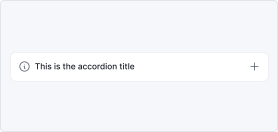
Accordion
1 Component · 6 Variants

Avatars
3 Components · 39 Variants
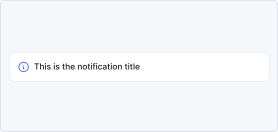
Alerts
1 Component · 24 Variants

Badges
1 Component · 297 Variants

Breadcrumb
2 Components · 17 Variants
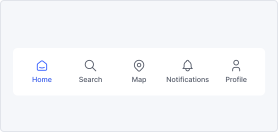
Bottom Tab Bar
2 Components · 22 Variants
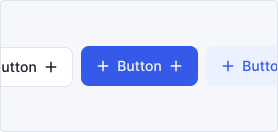
Buttons
2 Components · 760 Variants
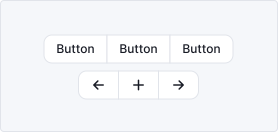
Button Groups
2 Components · 100 Variants
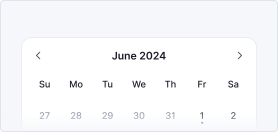
Date Picker
3 Components · 10 Variants
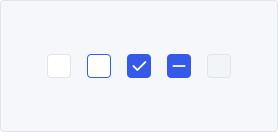
Checkbox
2 Components · 12 Variants
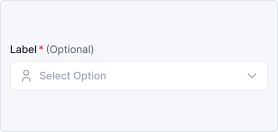
Dropdown
2 Components · 75 Variants

Messages
2 Components · 35 Variants
View All Components
Simple, transparent pricing that fits your needs
Choose a plan that works best for you, and elevate your design experience.
$29.00
$49.00
One time payment. Lifetime updates
Purchase Now

Access to all components
Global Variables & Styles
Prototyped components
Lifetime access & updates
Frequently asked questions
Thinking about Aakar? Check out our FAQ section to know more about our UI kit.
Ship faster with a complete Figma design system
AakarUI gives you a scalable component library, design tokens, and templates, so you can build consistent UI for dashboards, apps, and web products without starting from scratch.
